
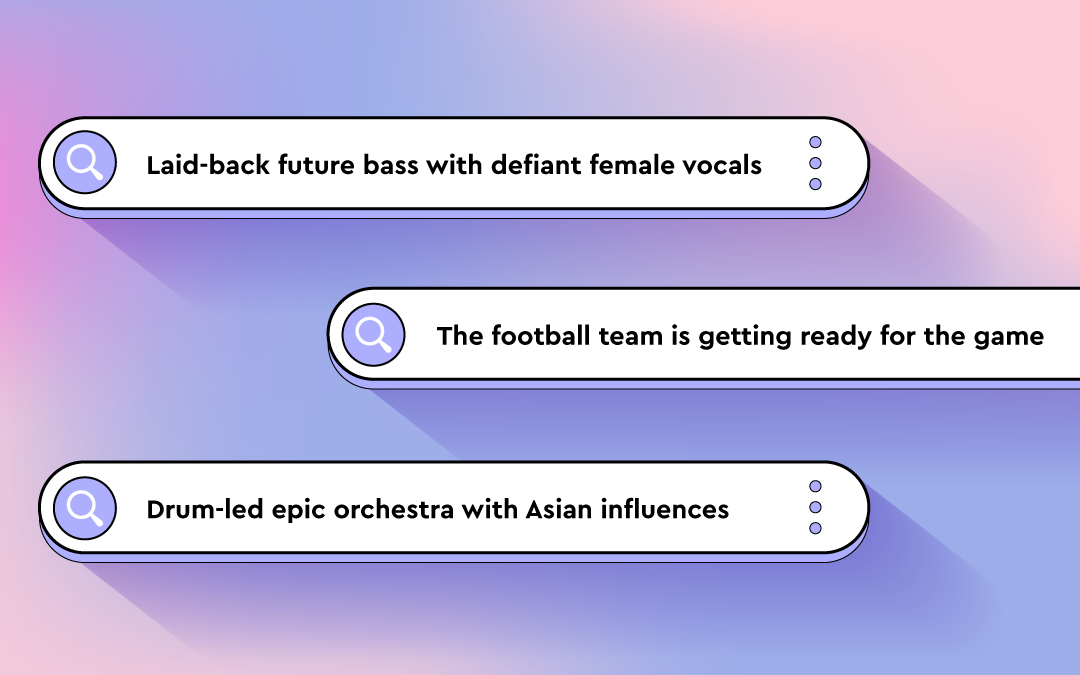
Ready to search your catalog in natural language? Try Free Text Search.
Do you have trouble translating your vision for music into precise keywords? If so, this guide on how to prompt using Cyanite’s Free Text Search is for you.
It’s a more natural way to search your music catalog and discover tracks. You can use complete sentences to describe soundscapes, film scenes, daily situations, activities, or environments. Prompts can be written in different languages and can include cultural references, so you’re not forced to reduce your idea to a fixed set of tags.
Before you explore what Free Text Search can do, keep in mind that prompt-based search works best when your input is specific. The clearer you are, the easier it is to find what you’re looking for.
Read more: What is music prompt search?
Why music catalogs struggle with discovery
Most large catalogs contain inconsistent metadata. Many were built before modern tagging standards, then expanded over time through different workflows. New music arrives faster than metadata teams can standardize it, especially with the volume from UGC and AI-generated releases, while older tracks remain described in ways that don’t always support how music is searched for today.
Traditional search relies on tags and keyword logic. This approach can be effective for many searches, but it has limits when ideas are already highly specific, like with a detailed creative brief or a particular scene description. Translating concrete, nuanced needs into tags often loses critical details and context.
That’s where natural language search makes a difference. Instead of defining a specific vision in terms of available tags, you can describe what you need directly or even paste a brief into the search bar. The system interprets intent, mood, and context in ways that complement tag-based discovery.
This helps sync and licensing teams work faster with detailed requests, and gives catalog teams another tool to surface relevant music, especially from underused parts of the catalog.
Read more: How to use AI music search for your music catalog
How Free Text Search amplifies music discovery
Free Text Search lets you look for music in the way you would naturally describe it. Write detailed prompts in full sentences, and Cyanite’s AI interprets the meaning behind your words to match intent with how tracks actually sound in your catalog.
This type of search is designed for situations where intent doesn’t translate cleanly into keywords. Tag-based searches work well when attributes are fixed and clearly defined, and Similarity Search is useful when you already have a reference track and want to find music that sounds close to it. Teams often get good results when they search in their own words first, then move into other search modes to refine the selection.
How to use Free Text Search effectively
In real-life workflows, searches rarely begin from the same place. Sometimes you’ll start with sound, sometimes with a scene, and sometimes with context.
Not every idea can be reduced to tags or tied to a specific track. Choosing music is a creative process, so the way people search is often creative too. Free Text Search meets users where they are, allowing them to describe intent in natural language and shape discovery around how they think.
1. Describing sound
With Free Text Search, you can add context and even cultural references to your search, making it possible to find the perfect soundtrack for your project and get the most out of your music catalog.
This approach is commonly used when responding to sync briefs that describe musical detail and tone.
Sound-focused prompts should name what musical elements are present, then add how those elements are played or arranged. An extra cue about character or attitude can be included when it helps clarify intent.
[Instruments or sound sources] + [how they are played or arranged] + [optional: character or stylistic cue]
- “Trailer with sparse repetitive piano and dramatic drum hits with Star-Wars-style orchestra themes”
- “Laid-back future bass with defiant female vocal”
- “Staccato strings with a piano playing only single notes”
- “Solo double bass played dramatically with a bow”
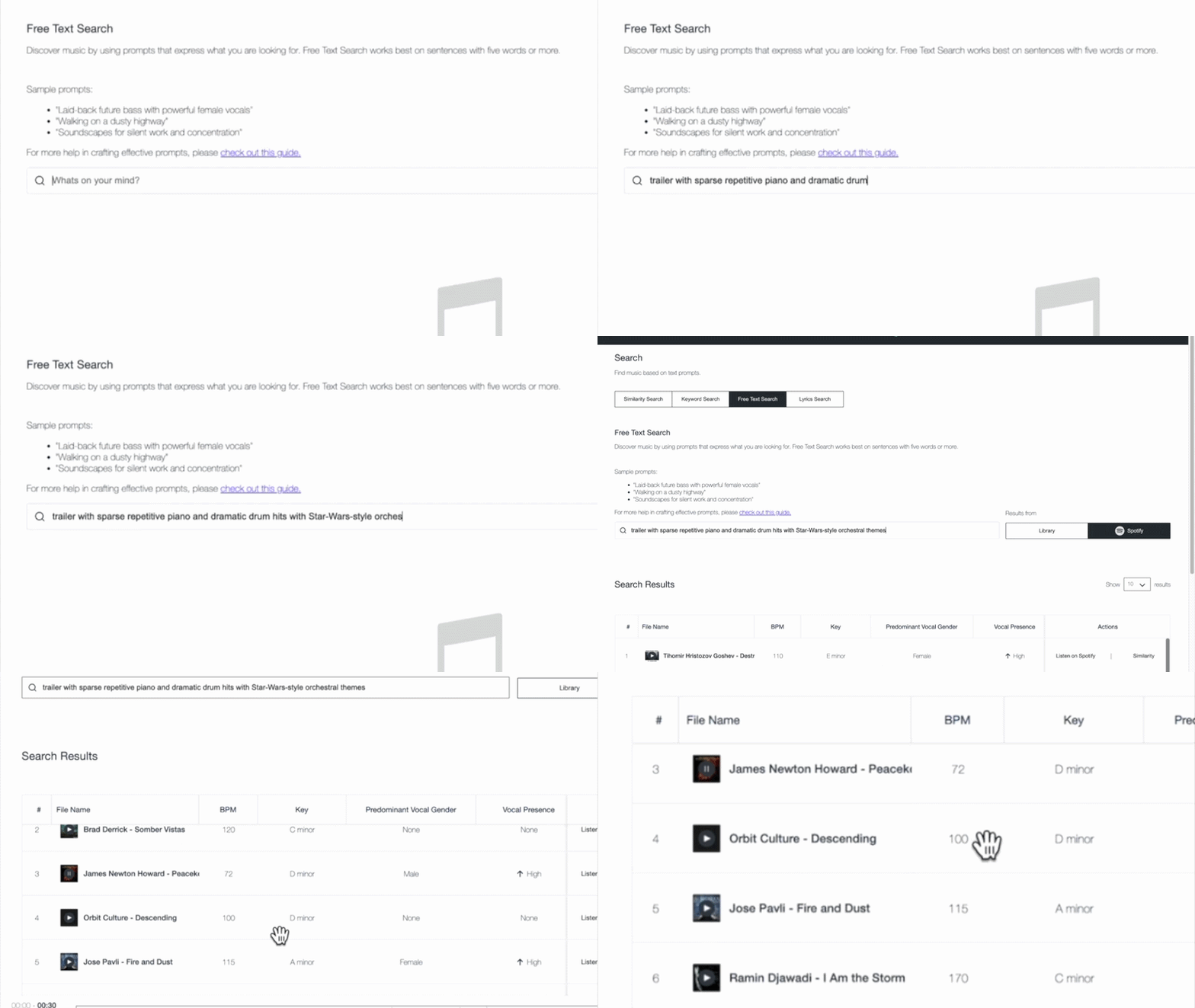
These prompts work because they are specific, but not rigid. That level of detail helps surface relevant tracks faster and reduces reliance on perfectly maintained tags, which is especially valuable in large or uneven catalogs.
Common mistakes to avoid
- Staying too abstract: Words like “cinematic” or “emotional” on their own don’t give enough information to form a clear sound.
- Listing elements without context: Naming instruments or genres without describing how they are played or arranged often leads to broad results.
- Overloading the prompt: Packing too many ideas into one sentence can blur intent and pull results in different directions.
- Writing like a tag list: Free Text Search works best when the prompt reads like a description, not a stack of keywords.
2. Describing film scenes
Film scenes can evoke a wide range of emotions and visuals. When using Free Text Search for this purpose, consider whether your prompt captures objective elements of the scene or your own interpretation of it.
Publishers often use scene-based prompts to explore deeper parts of their catalog and surface music suited to narrative use cases beyond obvious genre labels.
You can reference popular movies or shows like Pirates of the Caribbean or Stranger Things in your search prompts.
It helps to think like a director. Focus on the action or moment in the scene and what the viewer is experiencing. The clearer the image you describe, the easier it is for the search to interpret what kind of music belongs there, without needing a list of musical traits.
[Action or moment] + [optional: setting or situation] + [optional: stylistic cue]
- “Riding a bike through Paris”
- “Thriller score with Stranger-Things-style synths “
- “Tailing the suspect through a Middle Eastern bazaar”
- “The football team is getting ready for the game”

An example result for the prompt: “Riding a bike through Paris”
These prompts work because they describe a cinematic moment rather than a list of musical characteristics. A scene like “riding a bike through Paris” suggests a certain musical style and progression, which helps frame how the music should unfold. That context gives Free Text Search a clearer sense of what the track needs to communicate.
To fine-tune your search, add different keywords, like “orchestral,” “industrial rock,” or “hip-hop,” to steer it in the direction you want.
Common mistakes to avoid
- Writing scenes that only make sense to you personally: Prompts should be interpretable without extra explanation.
- Dropping the visual context: Turning a scene into a genre description removes what makes this approach effective.
- Using obscure references: If the reference is not widely known, it may not clarify the scene.
3. Describing activities, situations, and moods
Free Text Search empowers you to be as specific as your project demands. You can describe when and where music will be heard, and what it should communicate. Combining activity, situation, and mood helps direct discovery toward abstract or niche ideas that don’t translate cleanly into tags, making it easier to surface music that fits its intended use.
When writing the prompts, focus on how the music will be used and what it needs to communicate in that situation. Providing clear usage context helps the search narrow results without requiring detailed musical instruction.
[Style or sound] + [intended use or context] + [optional: tone or functional role]
- “Latin trap for fitness streaming catalog”
- “Mellow California rock for sports highlight content”
- “Colorful pop music for lifestyle brand campaign”
- “Subtle ambient textures for background use”

Example result for the prompt: Mellow California rock for a road trip”
Common mistakes to avoid
- Leaving out the use case: Mood alone often leads to broad results without direction.
- Mixing conflicting contexts: Background use and high-impact language can work against each other.
- Lack of clarity: When the prompt doesn’t include enough context, results stay generic.
Free Text Search is available in the Cyanite web app. You can test prompts, explore results, and refine searches in minutes.
Using prompts to improve discovery
With Free Text Search, you can explore your music catalog using detailed descriptions. This lets you search based on how music is described in real projects, making it easier to find tracks that fit a specific brief, scene, or use case.
Whether you’re pitching music for sync, artists, or labels, looking to underscore a film scene, or setting the mood for an activity, Free Text Search empowers you to explore music in a whole new way.
As you craft your prompts, try to be specific and objective, as this will return better results. Use concrete details like instruments, playing styles, and specific scenes or activities.
You already have the resources in your catalog. Free Text Search helps you access them more effectively.